Plan the shoot
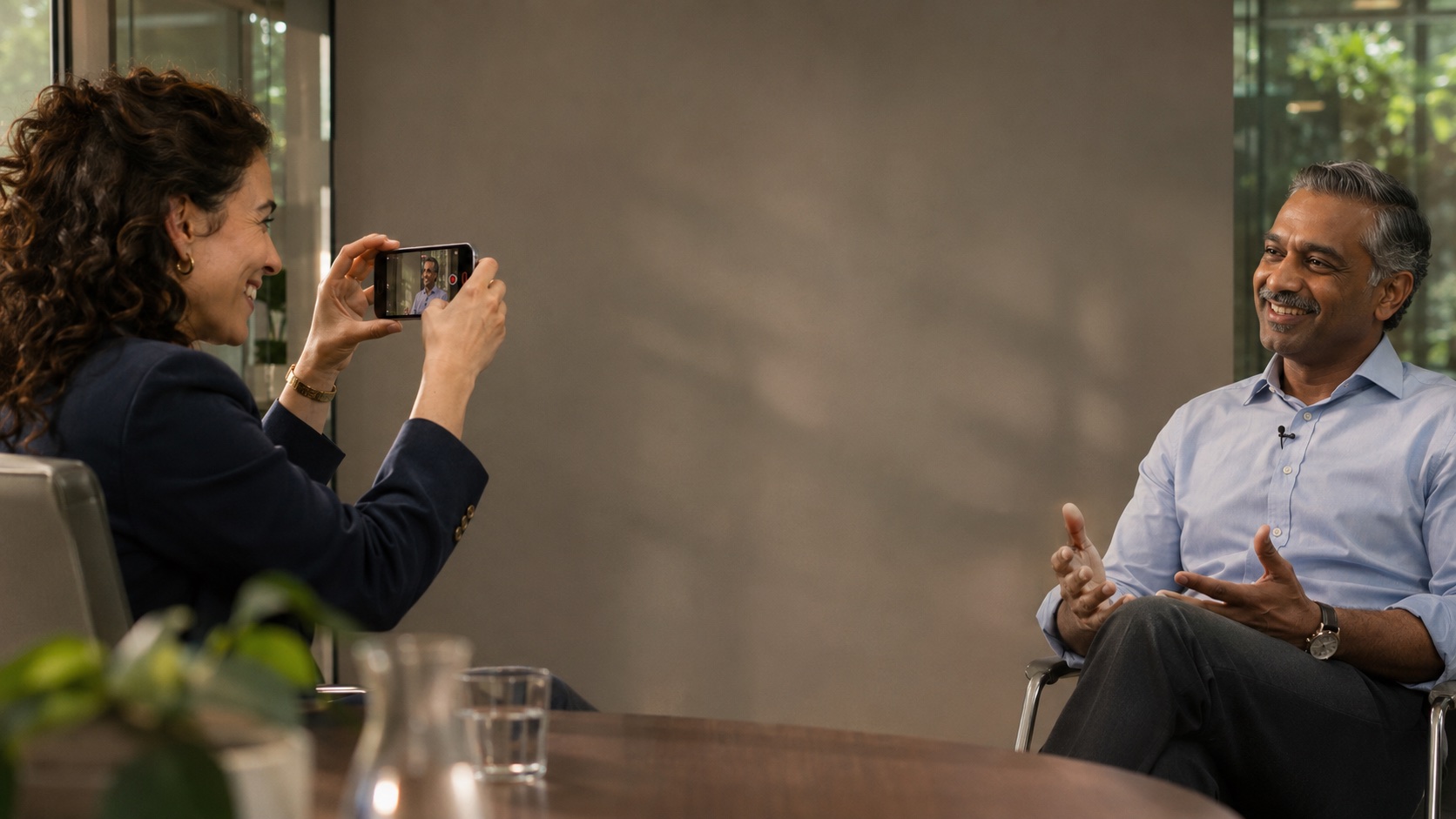
Choose an internal producer or request an external camera operator. Put the location, call time and interview prompts on the call sheet so everyone knows where to be.

Platform
Start with the request, choose who’s making it and keep the footage beside the brief. Vivaro brings AI tools, your producers and expert editors into the same workflow through to the approved film.
Project workspace
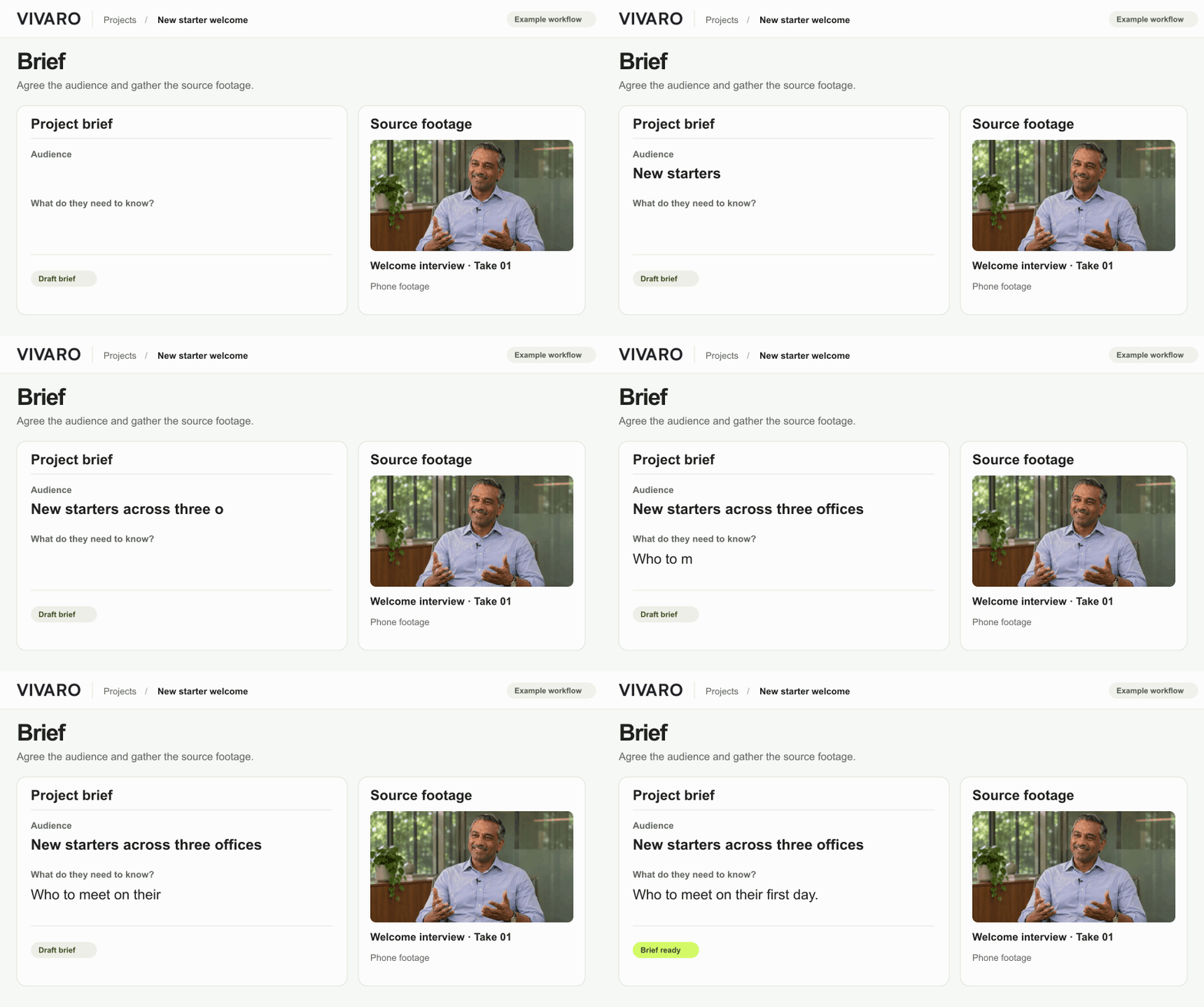
People Ops wants a welcome film that answers one question: what do you wish you’d known on day one? The producer uses AI to draft interview prompts, chooses the employee to film and gives the camera operator a brief for the shoot.
New starter welcome
Production brief
The producer adds the source footage to the welcome-film brief.
Play exampleChoose an internal producer or request an external camera operator. Put the location, call time and interview prompts on the call sheet so everyone knows where to be.
The editor opens the original takes beside the brief. A reviewer pins a note to the frame where the product name first appears. The editor can jump straight there.
The producer picks the approved widescreen cut for Hosting. The source and approved master stay together in Videos & assets for the next request.
Generative AI video
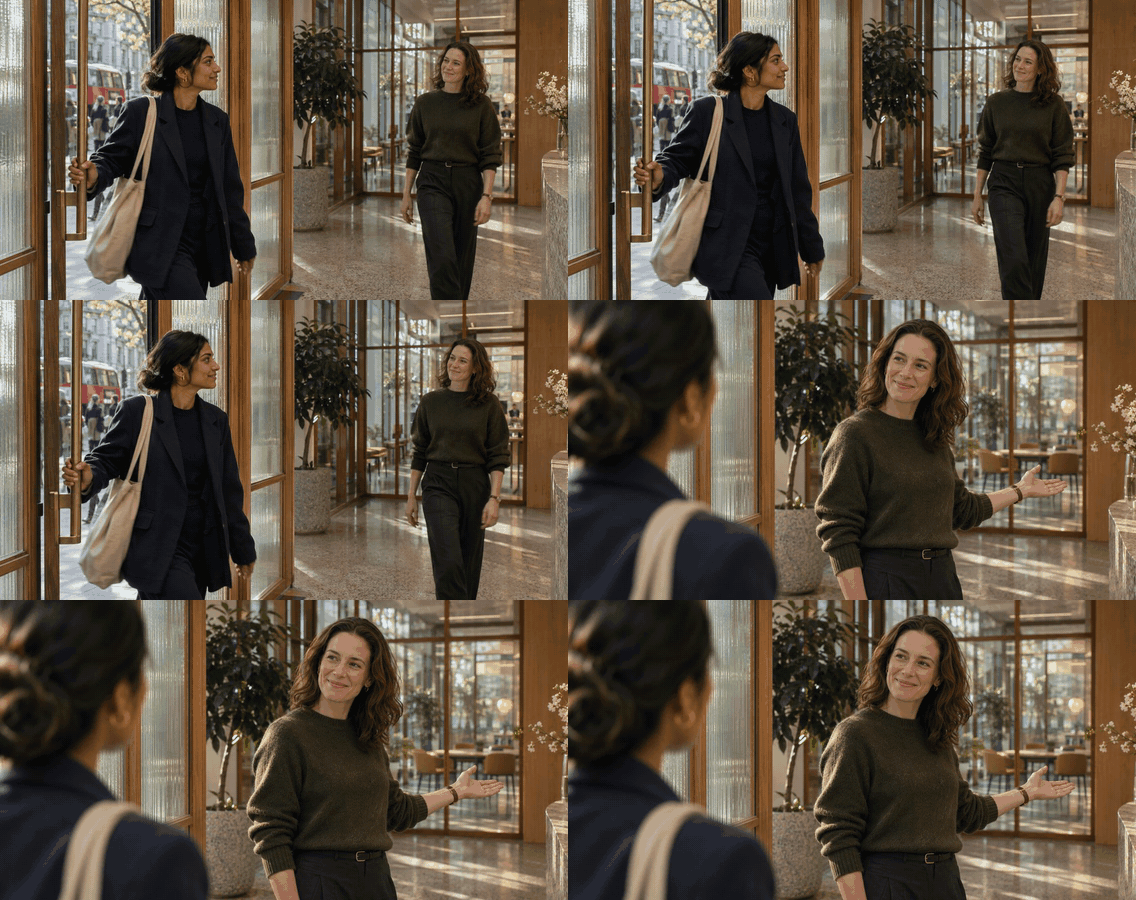
The producer needs an opening view of a new starter arriving at the office. They describe the scene, look at the generated shot and decide whether it belongs before the interview.
Source
First morning in a new office. A colleague welcomes a new starter.
Result
An opening cutaway to lead into the welcome film.
AI-assisted editing
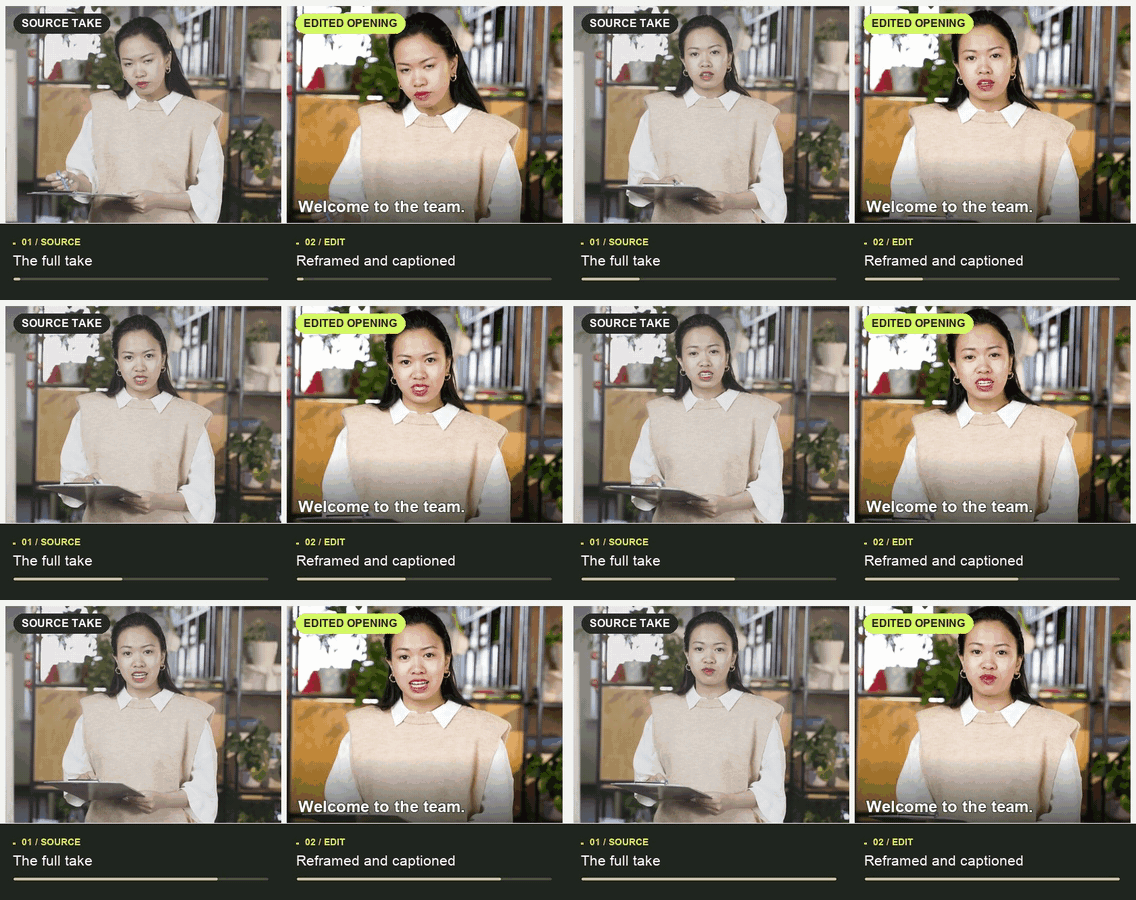
Start with the welcome interview colleagues have already filmed. The editor uses AI-assisted editing to shape a shorter opening, checks it against the source and chooses the moment that reaches new starters.
Source
The employee’s original welcome interview.
Result
A shorter opening with the same speaker and a captioned welcome.
Online review
Scrub to the moment you want to change and leave a comment. Select a note to jump straight back to that frame.
Bring a Vivaro human editor onto a project when your queue needs another pair of hands.