Vivaro
Book a demoStart for Free
Menu

Content library

Find the film someone needs today.

The sales team needs a product film for tomorrow’s meeting. Search Videos & assets for the approved master, find the original interview and make a shorter version without asking the agency to resend a drive.

Which file can sales send?

A customer wants to see the product briefing before Thursday’s meeting. Open the project in Videos & assets, find the approved master and check the intended audience. The review version and the camera original have different jobs.

Open each file below to see what belongs in the next edit and what’s ready to share.

Example asset collection

Quarterly product briefing

Approved master · widescreen film

The product lead approved this version for customers. Use this file for the hosted briefing.

Review cut · version two

This is the working cut. A reviewer flagged the old feature name before the master was approved.

Camera original · presenter interview

Open the full take when the team needs a new introduction or a shorter excerpt.

Brand reference · closing frame

Use the approved wordmark and end-card guidance in Brand Studio when making another format.

One answer, two deliveries.

For the product page, keep the presenter’s full explanation in widescreen. For the sales team’s social post, open on her strongest line, crop the same take vertically and add captions.

Keep both exports with the original recording. When the product changes, the next editor can reopen the source and use the current assets in Brand Studio.

Quarterly product briefing

Delivery versions
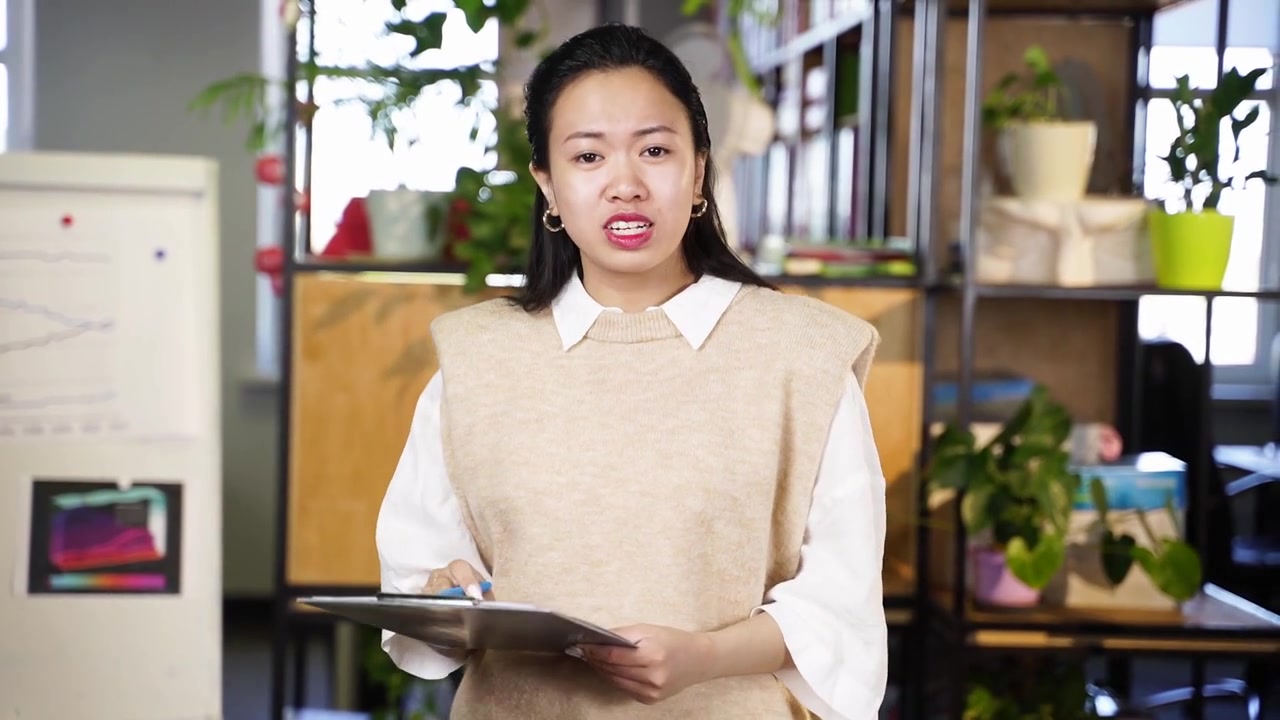
The product presenter in the widescreen office shot.
16:9 · Product page
A vertical crop of the same presenter.
9:16 · Social excerpt

Hosting

Choose which version your audience sees.

The account team needs a link to the approved product briefing. Use Hosting to publish that cut for its intended audience. The camera original and the working edit stay in the project for whoever makes the next version.

Example workflow

Product briefing

Hosted video

Player titleA briefing from the product team
VersionApproved widescreen film
ViewerCustomers attending the product session
A presenter delivers a team briefing to camera. Play the ten-second silent example to see how a hosted film appears on a website.

Give your next edit a head start.

Bring a film you regularly rework. We’ll show you how the source footage, approved brand assets and delivered versions fit together in Vivaro.